 01
Canva
canva.comA design platform for presentations, social graphics and visual creation. Compare design tools by output formats, workflow compatibility and collaboration needs. Licensing and usage rights for visual material s…
✦ Editor’s noteA hand-picked starting point for common digital tasks: preparing designs, editing documents, translating text and researching older web pages.
## Who is it for?
Students, creators, small teams and anyone who wants a quick tool without installing a complicated application.
## What is included?
Use Canva and Photopea for graphics, remove.bg for background removal, PDF24 for document utilities, Excalidraw for sketches, Google Docs for collaboration, DeepL for draft translation, Google Fonts for typography, Unsplash for visual inspiration and the Wayback Machine for archived pages.
**Editorial note:** This selection is organized by usefulness across tasks, not traffic rankings. Check free-plan limits, image licenses and privacy policies when appropriate.
01
A design platform for presentations, social graphics and visual creation. Compare design tools by output formats, workflow compatibility and collaboration needs. Licensing and usage rights for visual material s…
✦ Editor’s note 02
Photopea is a browser-based graphics editor for layered image editing, masking, and working with files such as PSD, useful for quick adjustments. Before choosing a service, consider the workflow it supports and…
✦ Editor’s note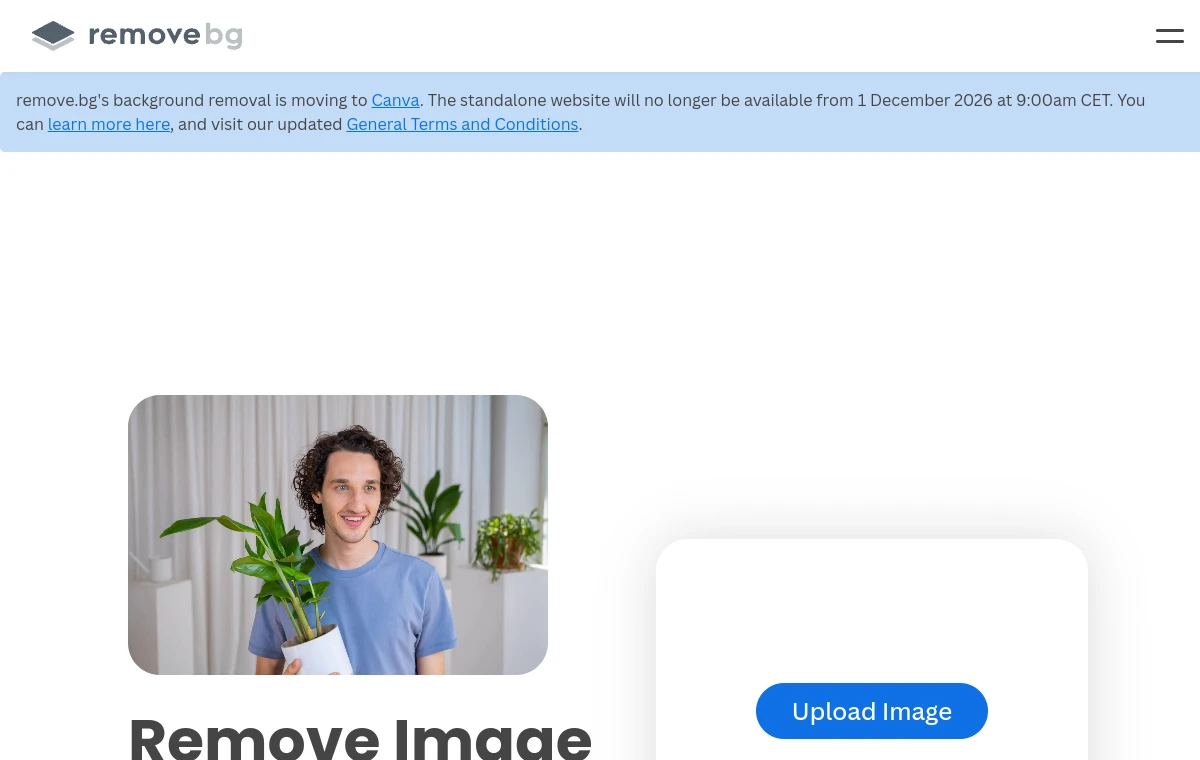 03
remove.bg is an image processing tool for automatically removing backgrounds from photos, useful when preparing product pictures and presentation visuals. Before choosing a service, consider the workflow it sup…
✦ Editor’s note 04
PDF24 Tools offers browser-accessible utilities for common document tasks such as merging, splitting, converting, and compressing PDF files. Digital tools should be compared by their intended purpose, compatibi…
✦ Editor’s note 05
Excalidraw is an online drawing space for hand-drawn-style flowcharts, idea maps, and lightweight interface sketches. Compare design tools by output formats, workflow compatibility and collaboration needs. Lice…
✦ Editor’s note 06
Google Docs is an online document editor for writing, commenting, and collaborating on text documents with other people. Digital tools should be compared by their intended purpose, compatibility and current usa…
✦ Editor’s note 07
DeepL is a language technology service for translating text and drafting multilingual content. Important translations should still be reviewed by a person. The format and depth of a learning resource matter as …
✦ Editor’s note 08
A catalog of open-source fonts for web projects. Creative tools are best judged against a concrete project brief. File export options and the intended production workflow can matter as much as the editing inter…
✦ Editor’s note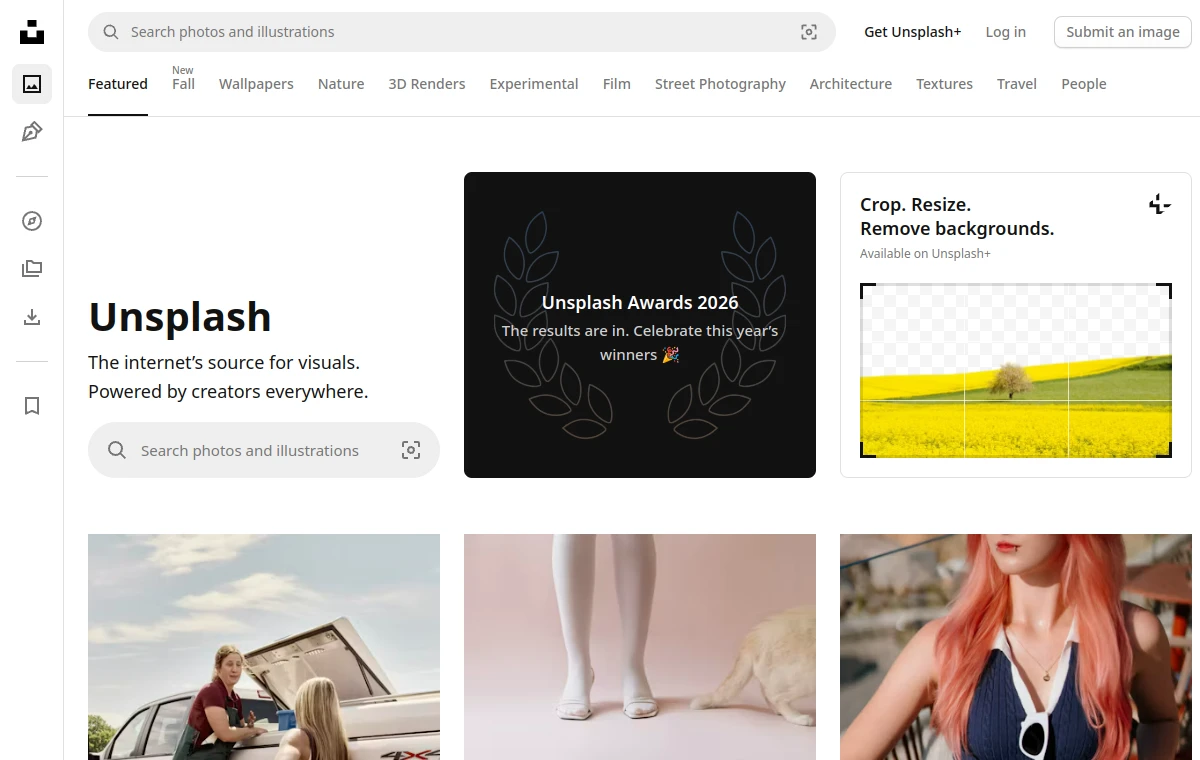 09
A collection of photos for designers and content creators. Compare design tools by output formats, workflow compatibility and collaboration needs. Licensing and usage rights for visual material should be checke…
✦ Editor’s note 10
The Wayback Machine lets people explore archived versions of web pages, where captures are available; not every page or date is archived. People exploring a subject should check the level and currency of the ma…
✦ Editor’s noteTry another word.
This collection lists 10 approved websites: Canva, Photopea, remove.bg, PDF24 Tools, Excalidraw, Google Docs, DeepL, Google Fonts, Unsplash, Wayback Machine. Each one has its own profile page on SMOZIN.
The websites are chosen by SMOZIN editors. Only approved sites appear here, and each profile shows a description, its category and, where available, an editor’s note.
Use the Add site page. Submissions are reviewed by editors, and approved sites are published in the directory; editors decide which collection a site fits.
This collection was last updated on October 28, 2026.